We automate the work your team repeats.

It usually starts with something someone repeats every day or every week: rebuilding a report, copying information between systems, reading documents, or checking whether a job ran. Software handles the routine part, and a person approves anything that spends money, sends a message or deletes a record.

A rendered flow diagram in a blue morning sky: three white tiles (a spreadsheet, a database, an envelope) feed one blue tube that runs through a clock, to a report, to a phone showing a check mark.

These are the jobs we automate.

Hand the routine part to software and it runs the same way every time, on schedule, whether or not anyone remembers to start it.

  • The report someone rebuilds by hand every Monday, pulled together on a schedule so it is already current when you open it.
  • Two systems kept in step, so a change made in one place shows up in the other without anyone retyping it.
  • Documents read for you, with the details typed in already and waiting for someone to check.
  • Forms and confirmations turned into drafts your team edits and sends.
  • A message when something falls outside the rules you set, so the problem comes to you instead of waiting to be noticed.
  • Follow-ups by text or email after a quote, a job or a missed call, written once and sent on time.
  • An assistant that answers common questions from your own pages and records, and hands the rest to a person.

Each one is quoted on its own. Start with whichever job costs you the most time.

A rendered flow diagram in a blue morning sky: a receipt tile, a magnifying glass, a form with four fields filled in blue, and a hand pressing a round check button.

Software can read documents before your team reviews them.

A lot of repetitive work is really reading: a PDF, a confirmation email, a screenshot, a photo of a receipt. Someone opens it and retypes what it says. Software reads it instead and hands back the details already filled in, so your team checks a screen rather than types one.

Nothing spends money, sends a message, or deletes a record without a person approving it. The software prepares the work: a payment waits for a click, a reply waits until someone has read it, and a record gets marked instead of erased.

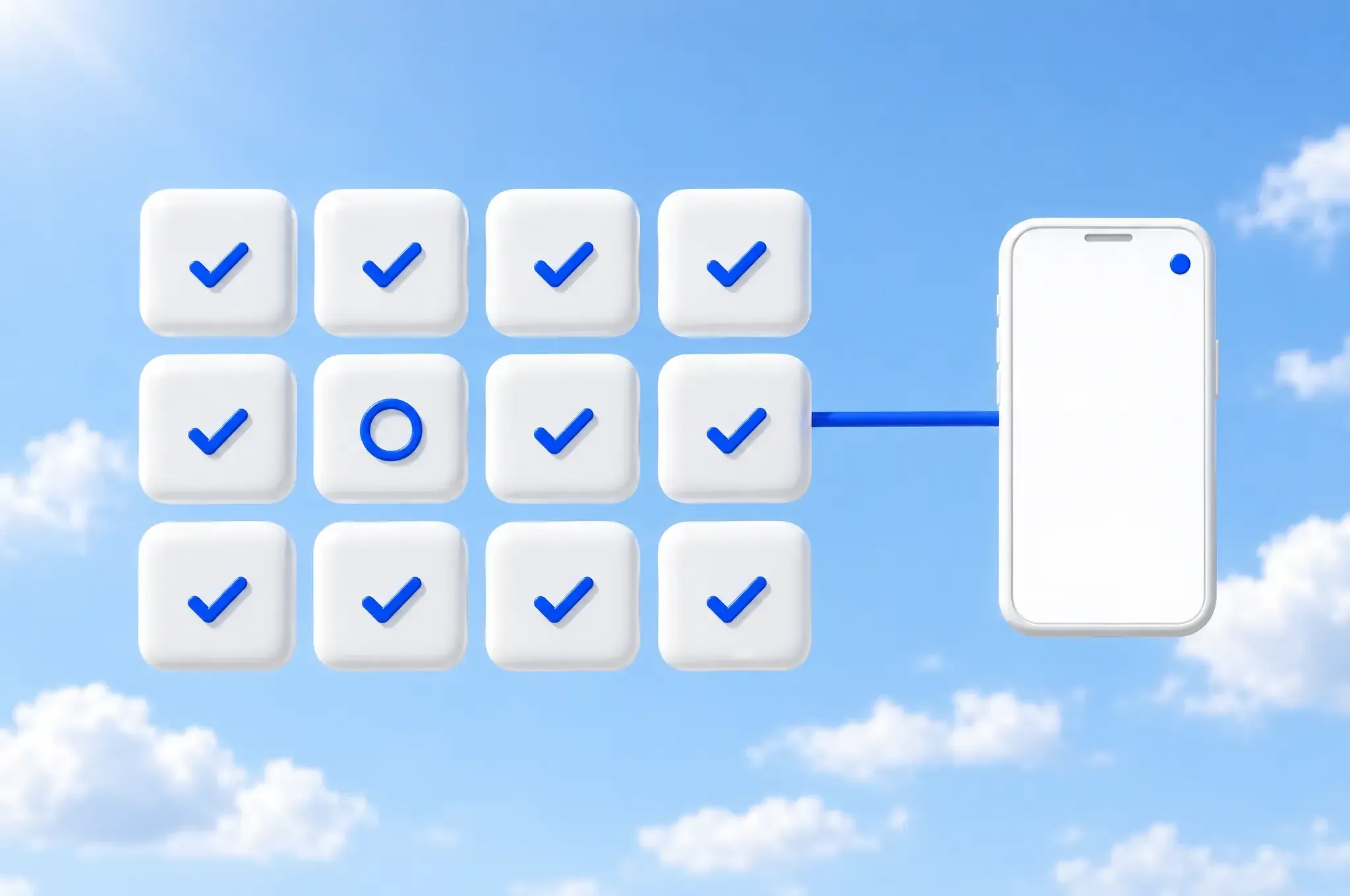
A rendered diagram in a blue morning sky: a grid of twelve white tiles, eleven with a blue check mark and one with a blue ring, and a blue tube from the grid to a phone showing a notification dot.

We watch every scheduled job, and you hear about it when one stops.

A scheduled job can stop running without anything looking broken, and nobody notices until the numbers are stale. We monitor every job for failures and for missing output.

We check that something new came through, not only that the job ran, and if it didn't, you hear about it the same day. OmniMarket Cards refreshes its catalog on a schedule, and a refresh that fails gets caught instead of going unnoticed.

Questions we get asked.

What kind of work can be automated?

Work that repeats and follows rules. The report someone rebuilds by hand every week, two systems that need to stay in step, documents that get read and retyped, follow-ups after a quote or a missed call, and a message when something falls outside the rules you set. Each one is quoted on its own, so you can start with whichever costs the most time.

How do you stop it doing something wrong?

Nothing spends money, sends a message or deletes a record without a person approving it. The software prepares the work and your team decides: a payment waits for a click, a reply waits until someone has read it, and a record gets marked instead of erased.

Do we have to replace the tools we use now?

No. Most of this work sits between the tools you already have, moving information between them so nobody retypes it. If a tool has no way to connect at all, we will say so on the first call and suggest the nearest one that does.

What happens when a scheduled job fails?

You hear about it the same day. We check that something new actually came through, not only that the job ran, because the expensive failure is the one where nothing looks broken and the numbers quietly stop updating.

Can software read documents for us?

Yes. A PDF, a confirmation email, a screenshot or a photo of a receipt can be read for you, with the details filled in already and waiting for someone to check, so your team checks a screen rather than types one.


Tell us about the work your team repeats.

You don't need to know whether the answer is a small tool, a dashboard or a full app. Tell us who does the job now, how long it takes them, and what stops when they're out. Describe how the job runs today and you'll get back a plan and a price.

Call or text (813) 825-1030, or email rmontufar@caminosystems.co. Monday to Friday, 9:00 AM to 6:00 PM Eastern, and we reply within one business day.

Book a 30-minute call Contact us